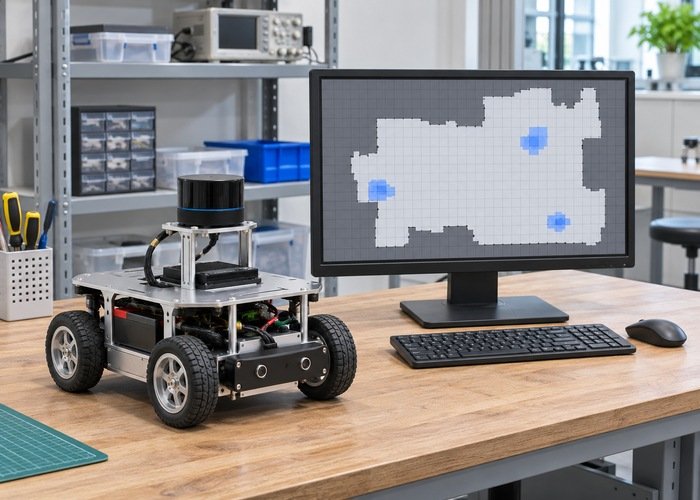
A slowly changing costmap display in RViz does not establish that Nav2’s internal costmap updates at the same slow rate. Separate the sensor input, the costmap update loop, the publication path and the display subscription before changing a frequency parameter. An observation at the last boundary cannot describe all of the earlier work happening inside the navigation stack.
Record effective update_frequency and publish_frequency for the actual local or global costmap being inspected. They describe different configuration intentions, but they are not a promise of two completely independent clocks. In the reviewed Jazzy implementation, publication eligibility is checked within the costmap update loop. Execution time, initialization and publisher conditions also affect what appears on a topic.
Use the sensor and consumer rate diagnostic when the LiDAR itself appears slow. This article starts after distinguishing those input boundaries and asks what a costmap visualization actually proves. It does not recommend a universal update rate, assert that higher frequencies improve safety, or replace controlled robot acceptance testing.

Identify which costmap and which output you observe
The Nav2 costmap configuration reference describes the update and publication controls. Match it to the installed release before applying examples. Record the complete node name, namespace, configured frame, output topics and the RViz display source. Local and global costmaps may have different settings and purposes even when their visualizations resemble one another.
Capture the effective configuration from the running node, then compare it with the intended launch and parameter files. A frequency written in an unused file is not the operating setting. Also record whether the node is active and initialized. A configured loop that has not begun useful processing cannot be evaluated solely by counting messages from a similarly named topic.
The YAML scope and effective-parameter workflow helps resolve a mismatch between saved and active values. Keep a copy of the actual launch identity with your rate observations. This avoids changing the global costmap while measuring the local one, or evaluating a stale visualization connected to another namespace.
| Boundary | Observe | Avoid concluding |
|---|---|---|
| LiDAR input | Actual received observations | Viewer rate equals sensor rate |
| Costmap processing | Version-specific update evidence | A desired frequency was achieved |
| Publication | Full and incremental topic behavior | One topic count describes every update |
| Viewer | Correct source and displayed refresh | A smooth display proves control performance |
| Resource use | Execution load during the same event | Higher configured rates are always better |
Read the update loop instead of equating parameters with measurements
In the reviewed Jazzy Costmap2DROS implementation, mapUpdateLoop invokes updateMap while processing is enabled. Publication checks follow the update work and include a configured cycle and initialization conditions. Inspect the deployed version and any local modifications before treating this source-level relationship as the exact behavior of another build.
This coupling means increasing publish_frequency does not manufacture completed map updates when processing cannot sustain them. A desired rate and an achieved rate should appear in separate columns of the diagnostic record. Measure bounded intervals and retain the method used to identify an update event. Do not call a count of published visualization messages an internal-loop measurement.
If the apparent delay changes after the computer warms up, inspect scheduling and resource evidence rather than repeatedly increasing rates. The thermal and power diagnostic addresses that separate cause when applicable. A missed timing expectation should be tied to observed execution conditions, not an assumed sensor specification or a guessed hardware limit.
Distinguish a full map from incremental publication
The reviewed Jazzy costmap publisher contains paths for full costmaps and update messages. Its conditions include geometry changes, full-map policy and subscriptions. Inspect the actual full and incremental topics used by the viewer. Counting one topic while ignoring its corresponding update stream can produce a misleading impression of inactivity.
Record message type as well as topic name. An occupancy-grid display and a raw costmap consumer need not subscribe to identical representations. Confirm how the selected visualization combines its initial state with subsequent updates. A valid incremental message is useful only when the receiving side has the appropriate base representation and interprets its update coordinates correctly.
Check endpoint compatibility before diagnosing an update algorithm. The QoS diagnostic separates a visible topic from delivered data. Do not change always_send_full_costmap merely to mask a subscription problem. Any supported publication-policy change should be evaluated for its actual traffic and receiver behavior in the deployed system.
Trace a controlled obstacle event through the layers
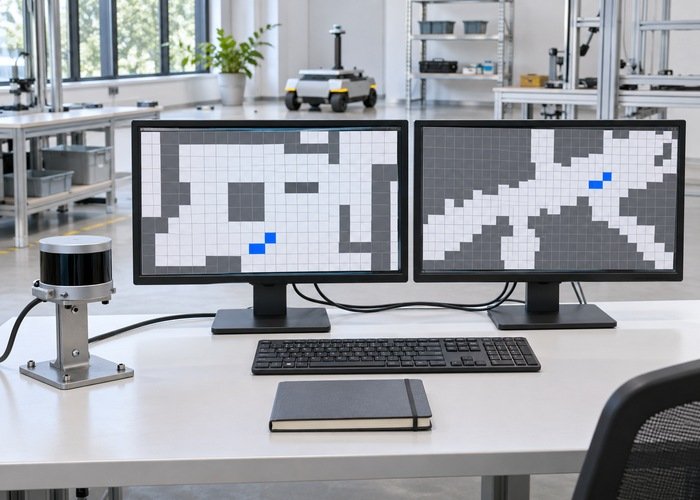
The Jazzy layered-costmap code provides context for updating bounds and combining layers. Use a controlled, clearly documented observation change to compare input arrival, relevant layer processing, published output and viewer refresh. Keep the robot in a suitable bounded test setup; the exercise is a timing investigation, not a validation of a safety function.
Separate an old obstacle remaining in a map from a delayed visualization of a correct update. These cases can look similar in a screen recording. Preserve message timestamps and the exact event that should change a cell. If available observations do not reveal internal processing time, label that boundary unmeasured instead of filling it with the publication timestamp.
The obstacle clearing workflow investigates stale marked cells and clearing evidence. Use it when the layer contents themselves remain wrong. A publication-rate adjustment cannot establish that a clearing ray was generated, that an observation was transformed correctly, or that the appropriate layer accepted a valid input.
Compare results with a stable message contract
The Jazzy OccupancyGrid definition identifies the header, map metadata and data array of that representation. Record dimensions, resolution, origin and frame with the observed change. A rolling window or changed map geometry can affect comparisons, so do not compare the same array index across messages without checking its physical meaning.
When comparing two output streams, record the sampling interval and how missing observations are handled. A short capture can be dominated by startup, map initialization or a one-time full publication. Retain those events in the timeline and repeat a steady bounded interval rather than deleting inconvenient samples until the counts resemble the configured values.
Repeat the bounded event before and after one deliberate configuration change. Keep the same input capture, software versions and subscription method. Compare achieved behavior and resource use, including whether other callbacks or consumers become delayed. A faster stream of larger messages is not automatically a better processing pipeline, and a smoother display is not proof of improved control behavior.
Prepare a reproducible support bundle with the effective settings, output-topic types and event timeline. State which boundaries were measured and which were inferred. This gives another engineer enough information to decide whether the problem belongs to sensor delivery, costmap processing, publication policy or visualization without changing unrelated navigation settings.
Frequently asked questions
Is publish_frequency the same as update_frequency?
No. They configure different intentions, and the reviewed Jazzy code checks publication within the update loop. Measure what the installed system actually does rather than treating the parameter values as independent achieved rates.
Should I force full costmap messages to fix a slow display?
First inspect the display’s base-map and update subscriptions, message types and endpoint compatibility. Full publication changes traffic and representation behavior; it is not a universal fix for missing updates or slow processing.
Can I use RViz refresh as a safety timing measurement?
A visualization observation establishes a display boundary. It does not by itself measure internal processing, controller reaction or a validated protective function. Preserve those distinctions and use the application’s appropriate controlled acceptance procedures.