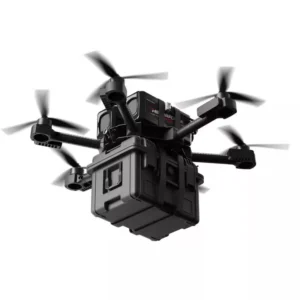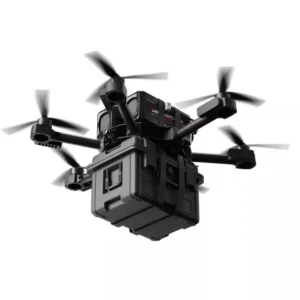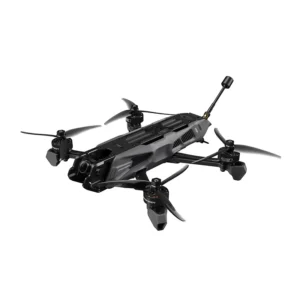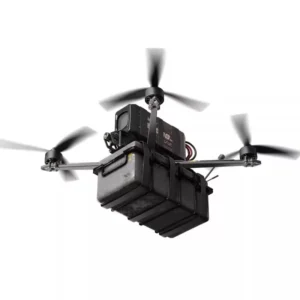
A straight-line LiDAR collision check does not establish coverage during pure rotation. When a robot turns in place, its body corners, payload and protrusions sweep through space even if the base origin barely translates. Validate the physical envelope, sensor visibility, active Collision Monitor model and command path for the angular motions the robot actually performs.
Start with a stationary geometry and visibility review. Then use a controlled test sequence with project-defined acceptance criteria. Keep sensing faults, zone-selection faults and downstream stopping behavior as separate observations. A clear centerline or an empty-looking scan is not proof that every part of the rotating body has clearance.
The Collision Monitor freshness diagnostic addresses invalid or stale input. Here the question is different: whether valid input and the configured geometry cover the space occupied by the robot as it changes heading.
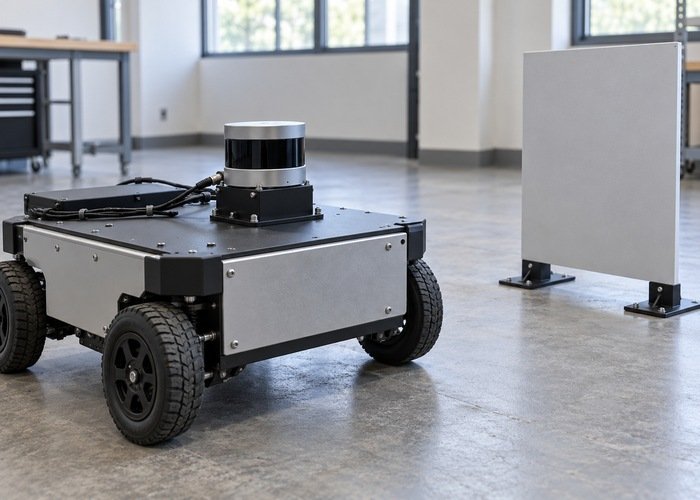
Define the physical body and the rotation reference
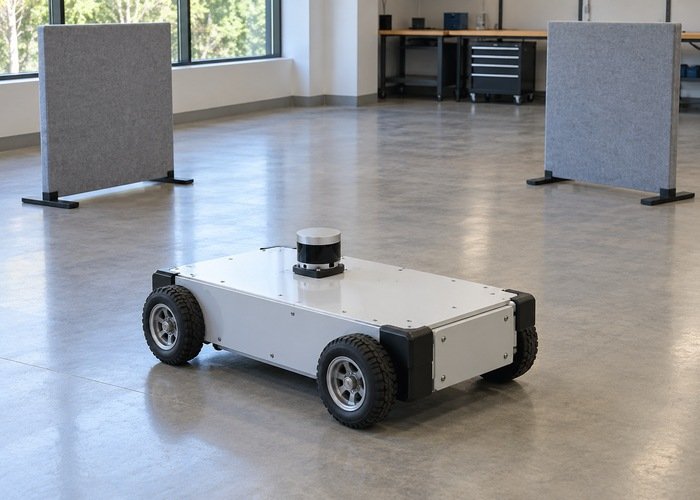
Record the body outline, wheel arrangement, sensor mounts, payload, brackets and any configuration that changes the occupied space. Identify the frame and origin about which the commanded motion is described. An offset rotation center changes the sweep; do not assume that the LiDAR origin is the robot’s instantaneous rotation center.
The official Nav2 footprint setup guide distinguishes footprint representation and how navigation components use it. Inspect the actual footprint consumed by each relevant component. A costmap footprint, a Collision Monitor zone and a drawing in a visualization are not automatically the same object.
For an irregular or rectangular body, trace the corners and protrusions over the intended heading interval. A circular outline may be a deliberate approximation, but document what it encloses and where it is conservative or incomplete. Include the installed payload rather than qualifying an empty chassis and assuming the result transfers unchanged.
Map visibility around the swept area
Inspect raw sensor observations at candidate target positions before evaluating a stop response. Record scan-plane height, usable angular coverage, minimum usable range, mounting occlusion and filtering. A sensor mounted above a bumper can miss a low target even when its reported horizontal field appears broad.
The ROS coordinate conventions define body axes and angular units. Use an explicit body-frame worksheet for target locations and motion signs. Label clockwise and counterclockwise tests consistently with the deployed command convention instead of relying on an observer’s viewpoint.
Check front corners, rear corners, sides and protrusions separately. A point that is visible at one heading can become hidden by the robot at another. Keep visible free space distinct from space for which no usable return exists. The obstacle-height window guide helps frame the vertical part of that coverage decision.
| Test dimension | What to record | Failure that a straight-line check can miss |
|---|---|---|
| Body configuration | Outline, payload and protrusions | A corner or load sweeps beyond the tested envelope |
| Heading and turn direction | Initial pose, command sign and observed motion | A side is covered in one direction but occluded in another |
| Target geometry | Position, height, surface and sensor visibility | A target lies outside the usable scan plane or range |
| Active model | Zone, action type and selected velocity region | A translation-oriented configuration remains active during rotation |
| Command chain | Monitor input/output and base response | A valid monitor response does not reach the motion controller |
Identify the deployed monitor model before testing it
The version-specific Collision Monitor reference describes zone types, actions and velocity-dependent configuration. Record the release, effective parameters, frame IDs, observation sources, command topics and enabled zones. Do not transfer a configuration from another release without checking the supported parameters and behavior.
Separate a fixed stop zone from an approach model or a velocity-selected polygon. These choices ask different geometric questions. Record which one is intended for pure rotation and how it is selected when linear velocity is near zero. A zone name such as rotation is documentation, not evidence that the running node selected it.
The versioned velocity-polygon implementation selects among configured subpolygons using velocity ranges, including angular conditions. Check the deployed revision and retain evidence of the selected polygon and input command. Inspect uncovered velocity conditions instead of assuming that a successful forward-driving test covered the angular case.
Also inspect the polygon implementation for the installed action and representation when the expected behavior remains unclear. A historical issue report can suggest a test, but it does not establish that a limitation or fix applies to the current build. Base the decision on the deployed code and reproducible observations.
When a target is visible in its sensor frame but cannot be evaluated in the robot frame, preserve the failure and use the TF extrapolation checklist. Geometry tests require a known frame relationship; a larger zone does not repair an unavailable transform.
Validate the stationary signal path first
With motion prevented through the team’s commissioning procedure, place a supported test target at an identified body-frame location. Confirm its raw returns, the observations reaching the monitor and the intended zone relationship. Preserve the exact target location and configuration so another engineer can repeat the observation.
Move the target through planned boundary positions while the robot remains stationary. Distinguish no sensor return, a return removed by filtering, a return outside the selected zone, and a zone response that fails later in the command path. The Nav2 observation-pipeline diagnostic helps separate these boundaries.
Do not fix an unexplained stop by disabling observation sources or shrinking a zone until the symptom disappears. Likewise, do not treat an enlarged zone as proof of adequate coverage when the relevant target is invisible to the input sensor. Each configuration change needs an explicit reason and a corresponding observation.
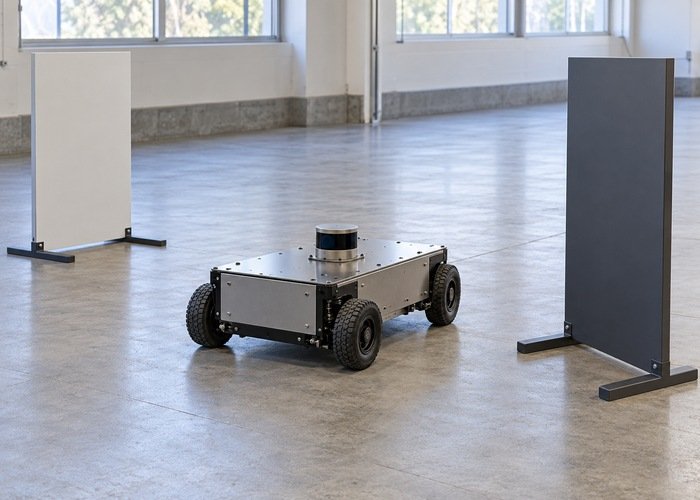
Build a bounded angular-motion acceptance sequence
Only proceed to motion under the team’s approved test procedure, in a clear controlled area with an independent stop arrangement. Use suitable supported targets, never a person as the obstacle. Begin from the documented configuration and preserve a way to stop the trial when observations differ from the expected sequence.
Test required turn directions, initial headings, body configurations and command transitions. Include the transition from translation to rotation if the application uses it. Record commanded and observed motion, target visibility, active zone, monitor response and downstream controller behavior with identified time references.
Derive clearance, response and acceptance limits from the actual robot and application requirements. No universal angular speed or zone size proves the integration acceptable. A test that avoids contact once is weaker than a repeatable result across the required geometry and operating conditions, and does not establish a safety rating.
Retain evidence that distinguishes the cause
Keep raw and processed sensor data, the body outline, target worksheet, effective monitor configuration, selected zone evidence and command-path logs. Include failed trials and explain which single change produced the next comparison. Do not retain only the final visualization, because it can conceal filtering or timing behavior.
Use a reproducible support bundle when escalation is needed. State whether the unresolved boundary is physical visibility, geometric representation, zone selection, freshness, transforms or downstream motion handling. This gives another engineer a bounded question instead of a general claim that rotation avoidance does not work.
Does pure rotation mean there is no collision risk?
No. The origin can remain nearly fixed while the body occupies new space. Inspect the full swept body and payload, not only translation of the sensor or base origin.
Can a circular footprint qualify every rectangular robot?
No. It is a representation choice that must be checked against the installed geometry and the components using it. Document what the approximation covers and validate the required motions.