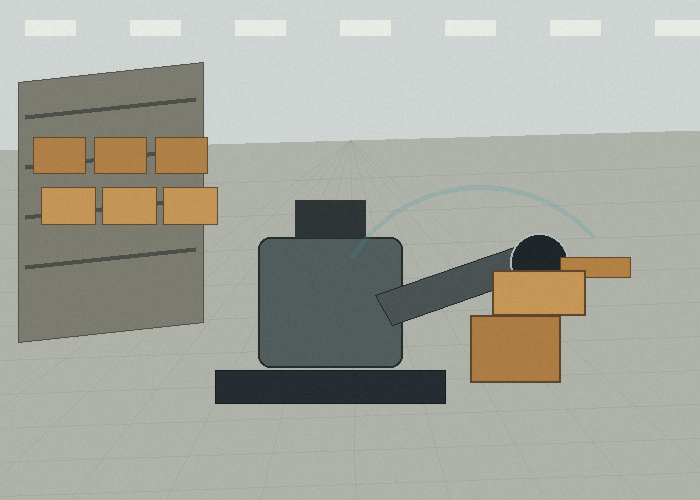
A 3D LiDAR sensor becomes useful when the robot needs more than a flat scan. In pallet handling, bin picking, mobile manipulation, inspection, and outdoor robotics, the system often needs height, shape, and object position, not only a single distance slice.
Before browsing a product catalog, describe the object and the movement. Is the robot checking pallet height, finding a bin edge, avoiding a hanging load, measuring a stack, or navigating around irregular equipment? Each task needs a different field test.
Quick Answer: Use 3D When Height Changes Matter
A 2D sensor can be excellent when the important objects cross a known scan plane. A 3D LiDAR sensor is more appropriate when the object surface, height, volume, or changing shape matters. That does not mean every robot needs 3D perception. It means the sensing layer should match the problem.
The robotics LiDAR solution page is the most natural internal reference for this kind of project. For production cells and factory transfer stations, the industrial automation LiDAR page helps connect sensing to workflow.
Start With The Object, Not The Robot
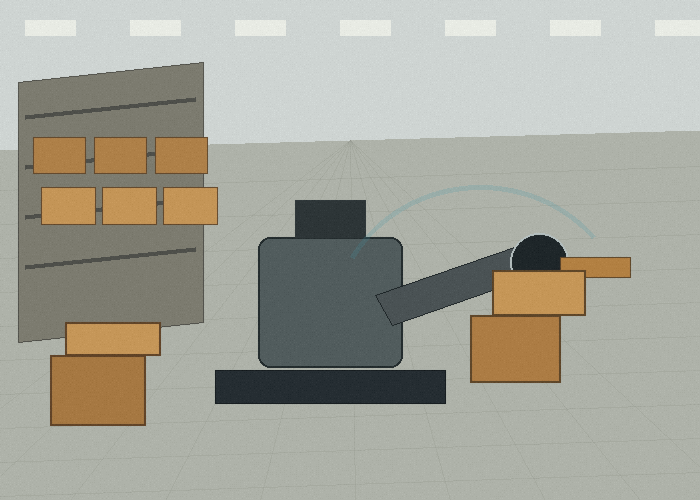
Many teams start by saying, ‘We need LiDAR for a robot arm.’ That is too broad. The better starting point is the object. A stack of cartons, an open bin, a pallet with uneven load, and a metal frame all create different perception problems. The sensor is only useful if it sees the surface and edge features needed by the robot logic.
Write down the minimum object size, expected height range, surface color, reflectivity, background clutter, and movement speed. If the robot needs to pick, place, inspect, or avoid the object, write down what the controller will do after the sensor reports the scene.
The general point cloud concept is helpful because 3D LiDAR output is often discussed as points in space. The basic LiDAR technology overview gives non-specialists a simple way to understand why measuring distance over many directions creates a useful scene model.
| Application | What 3D helps reveal | Test object to include |
|---|---|---|
| Pallet handling | Height and stack edge | Loaded pallet with uneven cartons |
| Bin picking | Object surface and opening shape | Partially filled tote |
| Robot cell safety | Volume near motion path | Person-sized test object |
| Outdoor robot | Ground slope and obstacles | Curb, ramp, and low barrier |
| Inspection | Shape change or missing item | Known good and bad sample |
Field Of View Is A Workflow Question
A wide field of view is helpful only if it covers the working scene at the right distance. For a robot arm, the best view may be from above or from the side. For a mobile robot, the sensor may need to see both the path and a load. For a fixed inspection point, the sensor may need consistent framing more than wide coverage.
Mounting position should be tested with the real motion. A robot arm may block the sensor at the exact moment it needs a clear view. A pallet may hide the target edge when loaded. A safety fence may create reflections. These problems are installation problems, not just sensor problems.
NIST has discussed standards work for mobile robotics performance and test methods; the same habit is useful here. Define the measurement, define the target, repeat the test, and record what changed.
A Practical Pallet Handling Scenario
Imagine a robot moving loads from a staging area to a production line. The pallet height changes through the day. Some loads are wrapped tightly. Others have loose cartons. A flat scan near the bumper may detect the pallet base, but it may not tell the system whether the load leans, whether the upper cartons extend beyond the pallet, or whether the receiving area is clear at load height.
A 3D LiDAR sensor can support a richer check: load outline, stack height, approach space, and nearby obstacles. The key is to decide which measurement is actually needed. If the only requirement is detecting the pallet base, 2D may be enough. If the robot must reason about the load volume, 3D becomes much easier to justify.
When comparing sensing layers, it may also help to review 2D LiDAR sensors for route-level detection and close-range area perception. This keeps the buying decision practical instead of forcing one sensor type into every role.
Do A Dirty Test Early
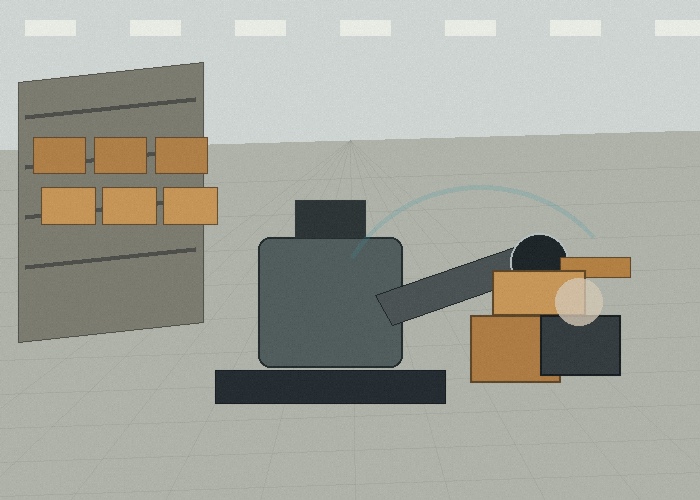
Real perception tests should include imperfect surfaces. Use black plastic, cardboard, reflective wrap, metal edges, and partly hidden objects. Move the object slightly between trials. If the sensor is meant for an outdoor robot, test sunlight, shadows, ramps, and wet ground. If it is meant for a factory cell, test the actual lighting and background structures.
The point is not to make the sensor fail. The point is to find the operating envelope. A reliable project knows where the sensor performs well and where the system needs rules, cleaning, shielding, or another sensing layer.
For development teams using robot middleware, the ROS documentation on setting up robot sensors is a useful reference point because it shows how sensor data is represented in a robot system. The details differ by platform, but the integration thinking is similar.
How To Talk To Purchasing Without Losing The Engineering Detail
Purchasing teams need a clear reason for 3D LiDAR. Give them the task, the failure risk, and the test result. For example: the robot needs to detect load overhang before entering a narrow transfer lane; a flat scan misses upper cartons; a 3D sensor sees the load volume during the approach test.
That explanation is more useful than saying a sensor is advanced. It connects the hardware to a real cost: damaged products, blocked lines, slow manual checks, or unreliable robot behavior.
When the project moves from trial to quote, use the LidarStar request form to include the object dimensions, mounting photos, required output, and a short test description. That gives the recommendation process enough context to stay practical.
When 3D May Be Too Much
A 3D LiDAR sensor is not always the best answer. If the route is simple, obstacles are low, and the robot only needs planar obstacle detection, a 2D solution may be cleaner and easier to integrate. If the scene is very close range and needs a compact depth view, Flash LiDAR may deserve a look.
Build A Small Field Notebook
A good 3D LiDAR sensor project benefits from a small field notebook. It can be a spreadsheet, a shared document, or a printed checklist. The format matters less than the habit. For each trial, record the scene, mounting position, target object, distance, speed, lighting, and whether the system response felt useful.
In a a robot pallet-handling or inspection cell, people often remember only the dramatic pass or failure. The notebook keeps the quieter details visible. Maybe the sensor worked well with a clean loaded pallet or irregular bin, but struggled when the same object was angled. Maybe it worked in the morning but became noisier near a bright doorway. Those patterns are easy to forget after a long test day.
The notebook should also include photos. Take one wide photo of the whole work area and one close photo of the mounting point. If the sensor is moved, photograph the new location. If the target object is changed, photograph that too. This avoids confusion later when engineering, purchasing, and operations discuss the same test.
Separate Sensor Problems From System Problems
When a test looks bad, do not immediately blame the 3D LiDAR sensor. The problem may be mounting, cable strain, target placement, controller timing, software filtering, or the response rule. A sensor can report useful data while the robot or machine still reacts poorly.
A simple way to separate the problem is to ask three questions. Did the sensor see the object? Did the software interpret it correctly? Did the machine respond in the right way? If the answer fails at the first step, the issue may be sensor placement or sensing limits. If the answer fails at the second step, the issue may be data handling. If the answer fails at the third step, the issue may be control logic.
This matters because poor object shape detection or unstable point cloud results can have several causes. Buying a different sensor may not help if the real issue is a blocked view or an unclear response rule. On the other hand, software tuning will not solve a scene the sensor physically cannot see.
Define Three Zones Instead Of One Big Zone
Many early tests use one large detection zone because it feels simple. In real work, separate zones are usually more useful. A near zone may require an immediate stop. A middle zone may call for slowdown. A wider awareness zone may simply tell the system to prepare for a possible route change.
For loaded pallet or irregular bin, these zones should be tied to real movement. The near zone should match the distance where contact or alignment error becomes unacceptable. The middle zone should allow a smooth response. The awareness zone should be wide enough to prevent surprise without creating constant false alerts.
Zone design should be tested with people who work near the system. Operators and floor staff know where objects actually appear. They can tell whether a warning feels early, late, or annoying. Their feedback often improves the system faster than a longer engineering debate.
| Zone | Typical purpose | What to verify |
|---|---|---|
| Near zone | Stop or strong warning | No late response at normal speed |
| Middle zone | Slowdown or careful approach | Smooth behavior without harsh braking |
| Awareness zone | Early route or operator awareness | Few nuisance alerts during normal work |
| Ignore zone | Known machine body or fixture | No repeated false trigger from expected structure |
Run The Same Test After A Small Change
One honest test is useful. The same test after a small change is more useful. Move the target object slightly. Change the payload. Shift the mounting angle by a small amount. Run the machine at a slower and then normal speed. These small changes show whether the result is stable or fragile.
In a robot pallet-handling or inspection cell, fragile results are common. A setup may work when the loaded pallet or irregular bin is centered, then become unreliable when it is near an edge. A sensor may look good when clean, then become less stable after a normal shift of dust, fingerprints, or vibration. Finding that early is cheaper than finding it after rollout.
Do not try to test every possible condition in one day. Choose the five or six conditions most likely to happen during normal work. A realistic test plan is better than a huge test plan nobody completes.
Plan For Maintenance Before The First Rollout
window cleanliness, vibration control, and repeatable mounting should be part of the first design discussion. If the sensor window is hard to reach, it will not be cleaned often. If the bracket is easy to bend, the scan or field of view may drift. If the cable is routed through a service area, it may be pulled during maintenance.
Ask who will inspect the sensor and how often. Ask what a normal cleaning method looks like. Ask whether the operator can see obvious damage. Ask whether a replacement sensor can be installed without rebuilding the whole mount. These small questions decide whether the setup remains reliable after the first week.
For a fleet deployment, standardization matters. Use the same mounting reference, cable route, and inspection checklist when possible. If each unit is installed slightly differently, troubleshooting becomes slower and test results become harder to compare.
Make The Decision In Stages
A practical buying decision has stages. First, decide what the sensor must notice. Second, confirm that the planned mounting position can see that zone. Third, test the response with real objects. Fourth, review maintenance. Fifth, decide whether the setup can scale across more machines or routes.
This staged approach keeps the 3D LiDAR sensor decision grounded. It also prevents a common mistake: buying hardware because it sounds advanced, then trying to invent the use case afterward. The use case should lead. The sensor should follow.
How To Review The Result With The Team
After the field test, review the result with the people who will live with the system. Engineers may focus on data quality. Operators may focus on whether the response feels natural. Maintenance staff may notice cleaning and bracket problems. Purchasing may ask whether the same setup can be repeated across future units.
Those viewpoints should not be treated as separate arguments. They are different parts of the same decision. A sensor that is accurate but hard to maintain may still fail in daily use. A sensor that is easy to mount but creates constant nuisance alerts may be ignored. A sensor that works in one carefully prepared scene may need more testing before it becomes a standard choice.
A clear review meeting ends with one of three decisions: proceed with the setup, change the mounting or rules and retest, or choose a different sensing approach. That simple decision structure keeps the project moving without pretending that one test answers everything.
What To Send Before You Ask For A Recommendation
A useful inquiry is short but specific. Send the work scene, the moving object, the target detection zone, the expected response, the mounting space, and the controller interface. The LidarStar quote request page is the best place to include those details because it keeps the product discussion tied to the real application.
Photos help more than long descriptions. A front view, side view, mounting close-up, route view, and one short phone video can reveal blind spots, cable limits, reflection risks, and working distances that are easy to miss in a written message.
If the project has more than one stakeholder, include one sentence about each person’s concern. Operations may care about fewer stops, engineering may care about stable data, maintenance may care about cleaning access, and purchasing may care about repeatability. A recommendation is stronger when it answers all of those concerns without turning the project into a vague wish list. This also makes later comparison between candidate sensors much easier and keeps the project notes readable.
Buying Checklist
| Question | What a useful answer looks like |
|---|---|
| What must the sensor detect? | Objects, distances, surfaces, and the zone that matters |
| Where can it be mounted? | A protected position with a clear view |
| What happens after detection? | Warning, slowdown, stop, map update, or alignment |
| What environment must it survive? | Dust, vibration, light, temperature, or cleaning limits |
| What data does the controller need? | Interface, update rate, coordinate frame, and test method |
FAQ
Is a 3D LiDAR sensor always the best choice?
No. It is the right choice only when its sensing style matches the work scene. The best project starts with the task, not with a product label.
How many field tests are enough?
Run at least one clean test, one cluttered test, one lighting or surface test, and one normal-operation test with the real movement pattern.
Should I compare only range numbers?
No. Range matters, but scan coverage, mounting height, response time, object surface, and integration details often decide whether the sensor works well.
Can one sensor solve every blind spot?
Sometimes, but not always. If the machine or robot has several risk zones, the layout may need multiple sensors or a different sensing layer.
What is the safest next step?
Document the scene, choose a candidate sensor, run a small controlled test, and only then decide whether to scale the same setup.